Registration
To get started with AppMetrica, create an account and add an app. During registration, you'll enter details about your company and team, then receive an API key to integrate the SDK.
You need a Yandex ID to use AppMetrica. If you don't have one, create an account.
Create an account
Go to the AppMetrica registration page and fill in the following sections.
-
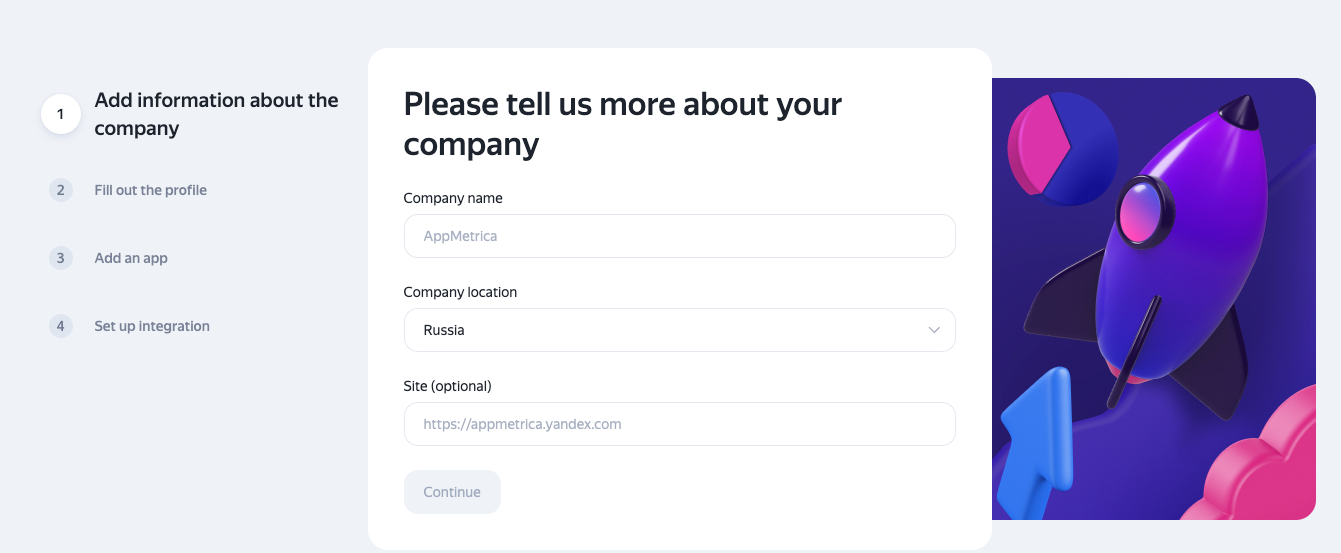
Company: Provide the name, country of registration, and website link if available. Your country of registration matters if you plan to use paid tools. If your company is registered outside Russia, enter its name using Latin characters.
Screenshot
-
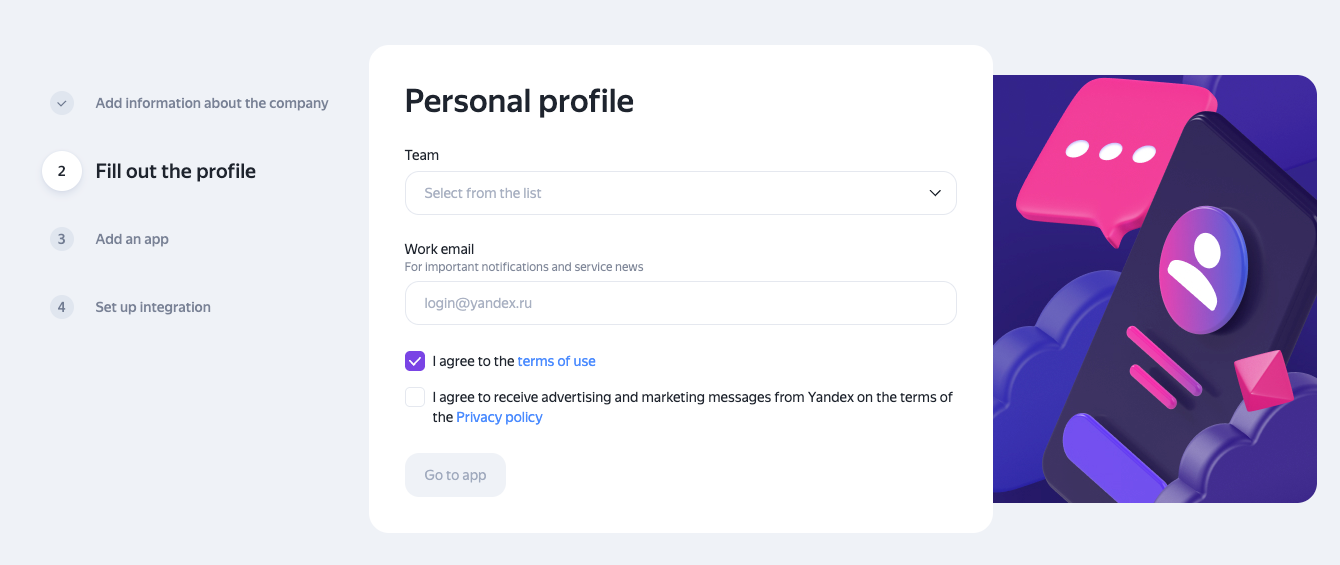
Profile: Specify the team that will use the service and provide an email address for notifications. You'll also need to accept the terms of use in this section.
Screenshot
-
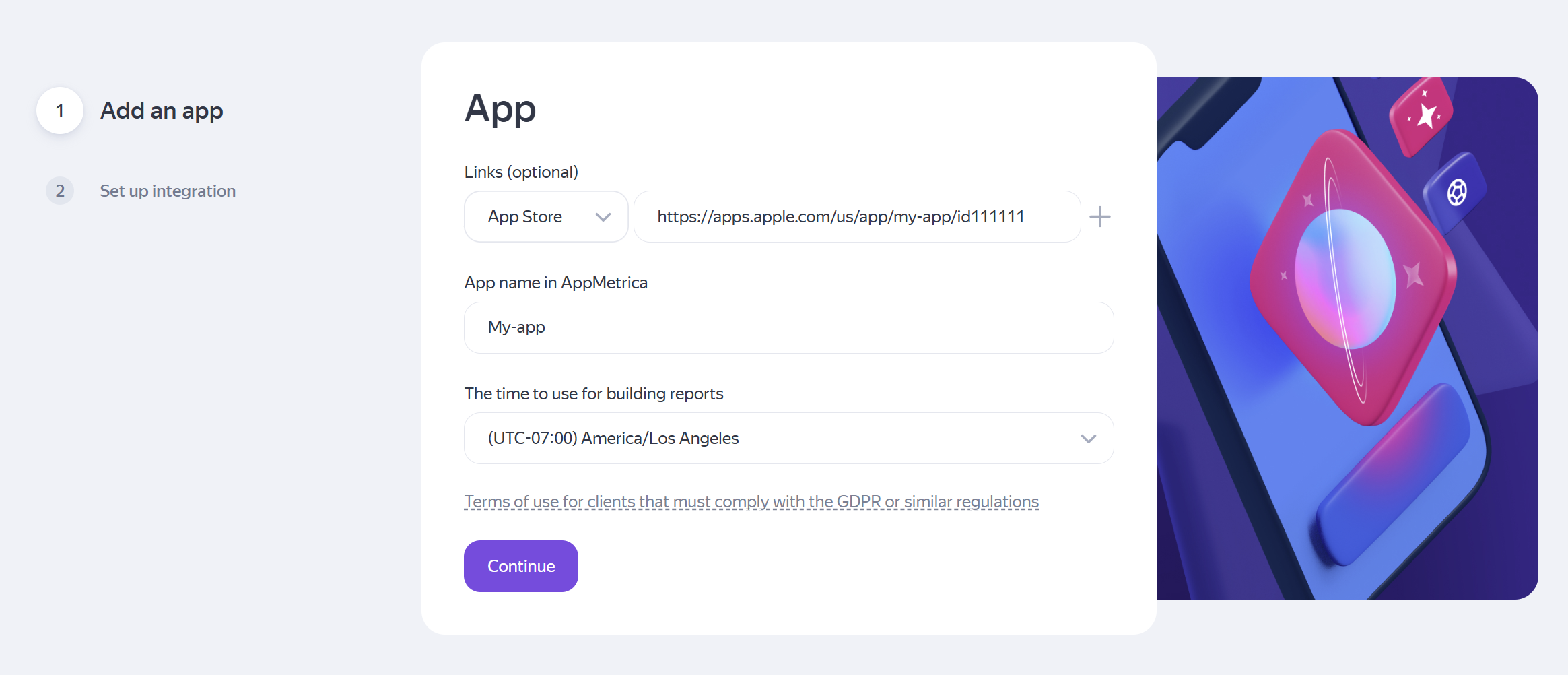
App: Provide a link to your app in an app store (such as Google Play or the App Store), the name to display in your account, and the time zone for reports. If you manage multiple apps, add just one for now: you can add the others after setting up your account.
Screenshot
-
Once you've completed registration, you'll receive an API key to integrate the SDK. Copy the key and send it to your developer. If you didn't copy the key, you can find it in your account under Settings → Main.
Screenshot
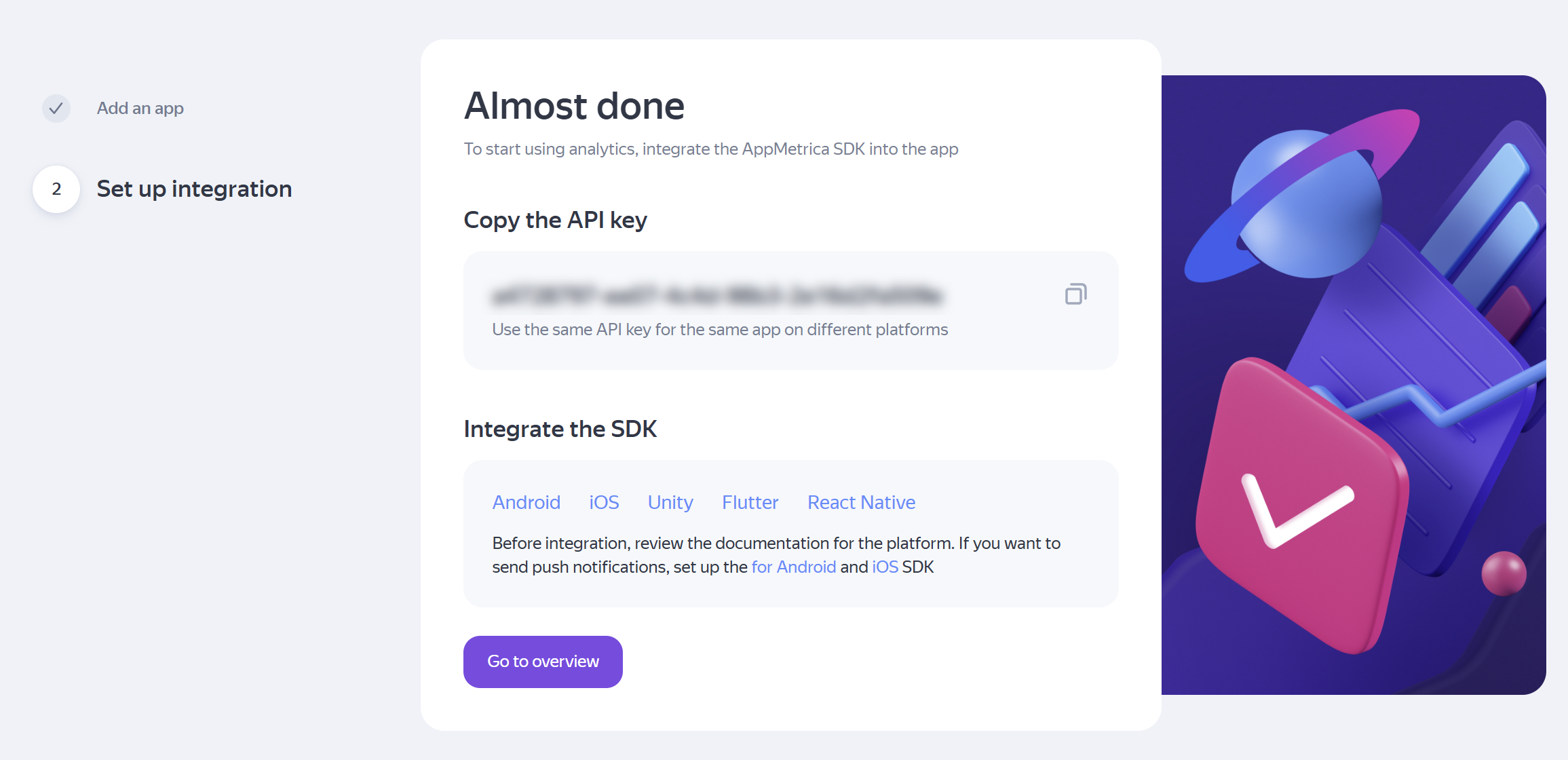
Your account has been created. To start seeing app data in your dashboard, integrate the SDK and check that data is being received.
What's next?
- Interface overview — how the dashboard is structured and where the main tools are located.
- Service settings: Key app settings and configuration options for individual tools.
- Manage access: How to invite colleagues and agencies.
- Getting started checklist: All the setup steps, from registration to your first reports.
If you didn't find the answer you were looking for, you can use the feedback form to submit your question. Please describe the problem in as much detail as possible. Attach a screenshot if possible.